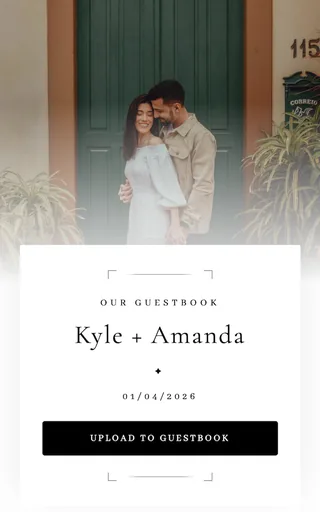
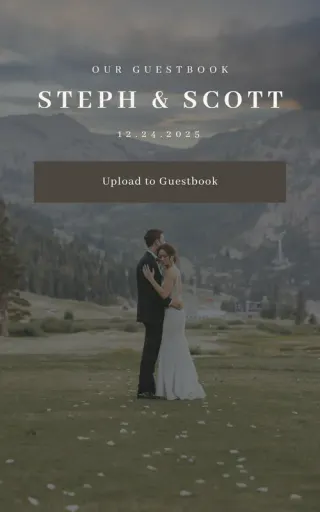
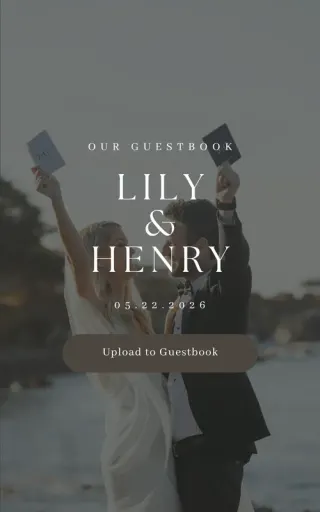
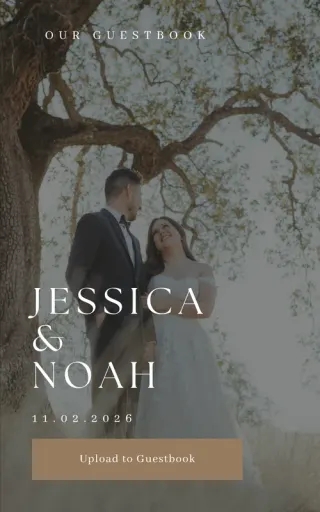
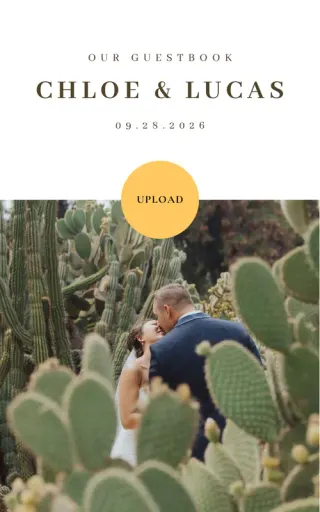
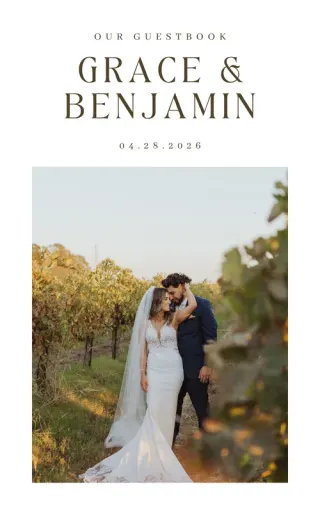
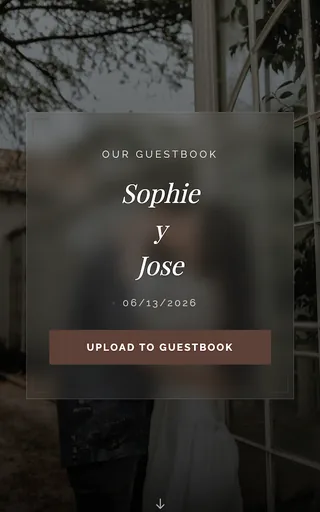
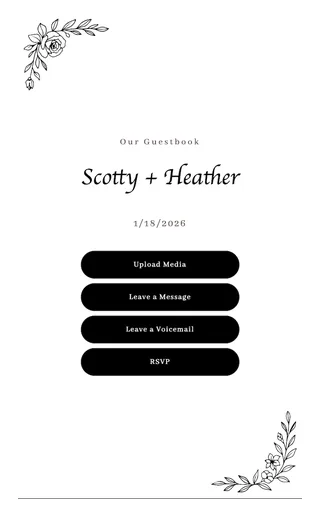
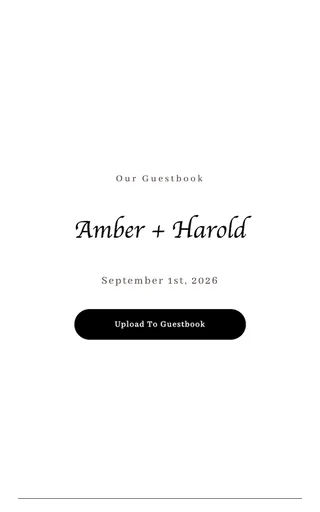
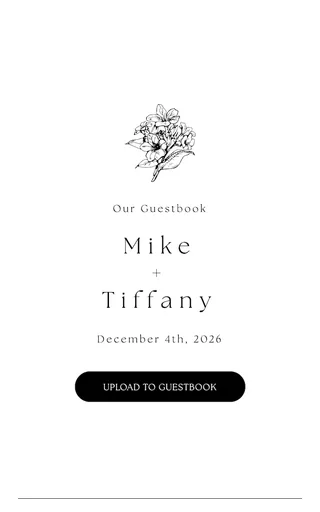
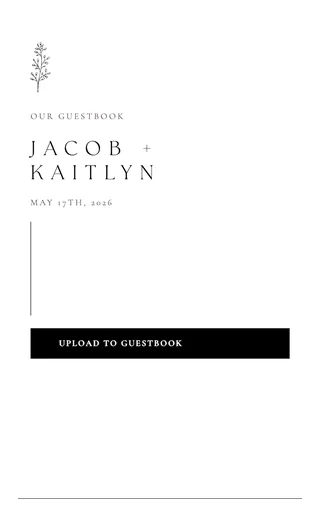
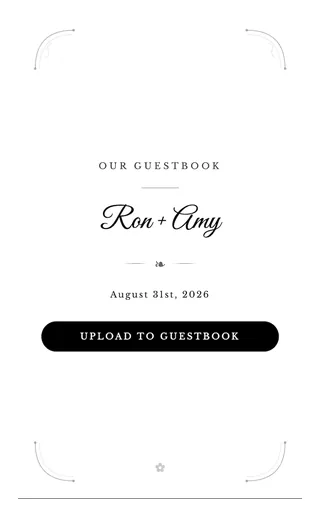
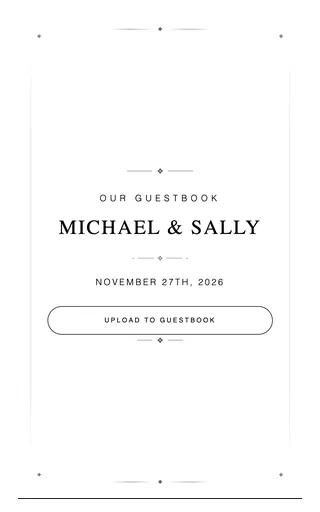
One QR code on every design
Each design carries your event code. Guests scan it to share photos and videos straight to your private gallery.
A beautiful wedding website you will be proud to share. Match your colors, add your photos, and connect every feature, from gallery to RSVP to seating, to one QR code.
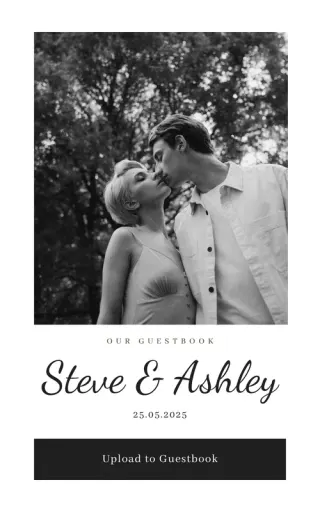
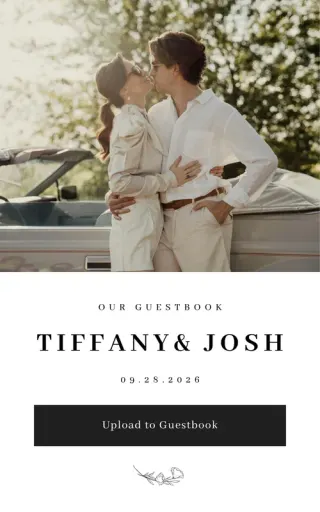
15 designs · wedding websites · sorted by most popular
These guides walk through the exact screens, with real screenshots. You can check how it works before you sign up.
How to choose a design template
Browse the template gallery in the Wedibox website editor and restyle your whole page with one click: no content lost when you switch.
Read the guideHow to change colors, fonts, and button styles
Match your Wedibox page to your wedding palette: background, text, and button colors, template typography, and round or square buttons.
Read the guideHow to customize your header: names, date, and cover photo
Set your names, wedding date, and cover photo, rename your action buttons, choose button shapes, and pick which buttons guests see at the top of your page.
Read the guideA Wedibox design is more than a pretty file. It is the front door to your event page, where guests share photos, RSVP, and leave messages.
Each design carries your event code. Guests scan it to share photos and videos straight to your private gallery.
Set your colors, names, and date. The matching event page updates itself, so printed designs never go stale.
Download print files for signs and cards, or skip paper and share your page link anywhere.
Choose a look, add your names and colors, and your page goes live with a QR code ready to print. Change your design any time without reprinting anything.
Free to start · One-time $49 upgrade · No subscription